Preservation · Save-data safety
Cloud sync is not an archive: the 15-minute check before switching devices
Sync makes moving easier, but it can also carry a deletion or unwanted state. This sourced checklist separates local saves, cloud sync and manual copies before you sell or reset hardware.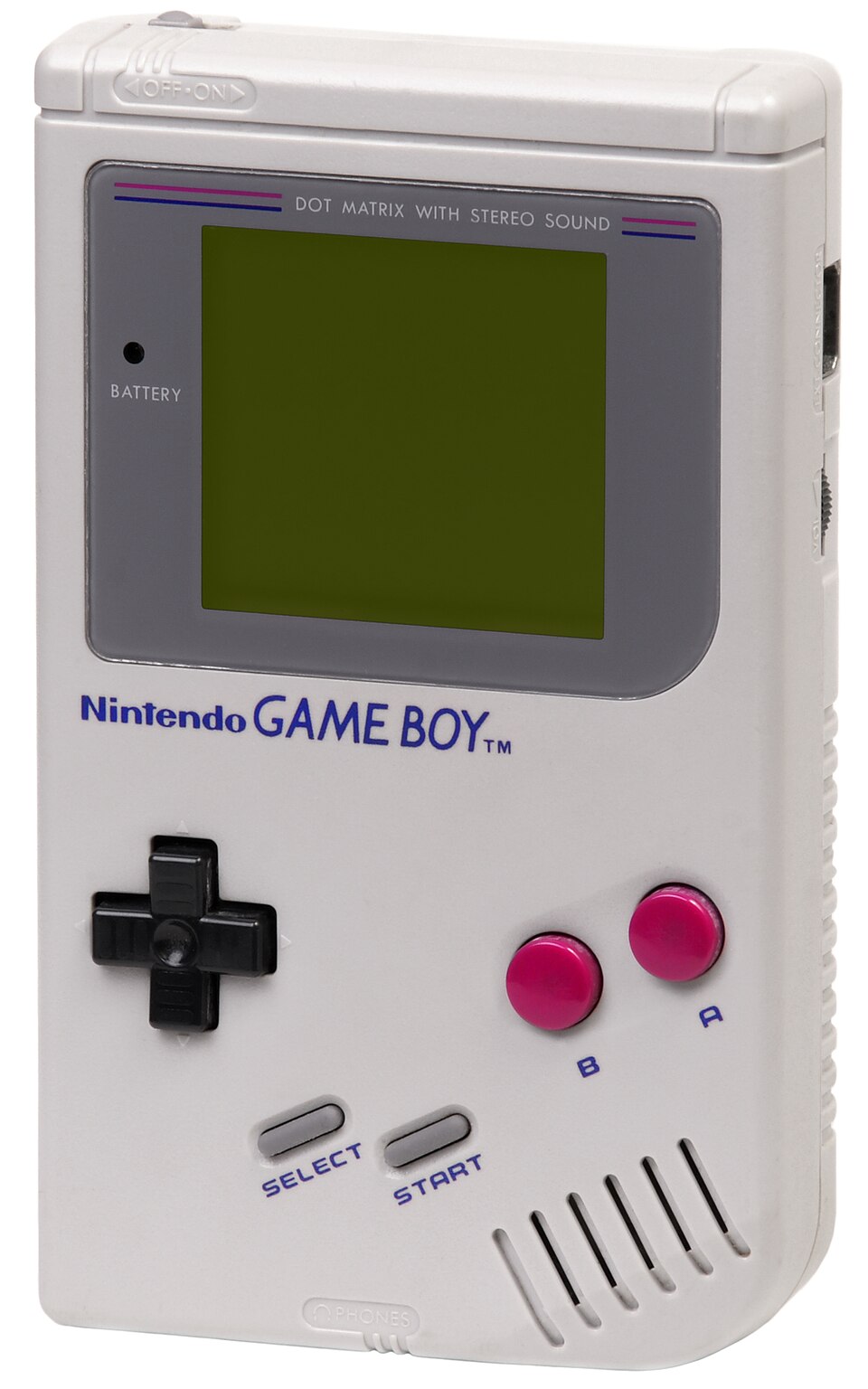
You open a game on a new device and see a conflict: local or cloud, which copy should win? That is the wrong moment to guess. Cloud sync usually aims to make the latest state available elsewhere; it is not a promise to retain every older state as a recoverable archive.
Before a sale, reset or migration, inspect every important game separately. A platform may offer cloud saves while a title opts out, a subscription may have ended, the last session may have closed offline, or the cloud may already contain the state you did not want.
PlayStation: separate PS5 game files from PS5 save data
PlayStation says PlayStation Plus members can upload save data to cloud storage. Its storage table also distinguishes PS5 game data from PS5 saved data: games can live on supported extended or M.2 storage, while PS5 saves use cloud storage rather than the PS4-style USB save-copy route. Copying a game install is not the same as protecting progress.
Before replacing hardware, open Saved Data and Game/App Settings and verify the title, account and sync state. Then load one important game on the new console and confirm a known checkpoint before erasing the old one.
Nintendo: support is per software, not per library
Save Data Cloud requires Nintendo Switch Online and works only with compatible software. If the console says cloud backup is not supported for a title, automatic backup does not override that limitation. Save data is also tied to each user and is not transferred between users through the service.
Nintendo warns that downloading a cloud backup overwrites the existing save on the console and that the overwritten data cannot be recovered. Read the timestamp, device and account before choosing Download; do not use it as a harmless preview button.
Xbox: wait for sync, but do not treat it as old-version storage
Xbox uses network sync to carry game data across devices, and Microsoft added clearer cloud-save status visibility to the Xbox PC app in 2026. The indicator helps confirm transfer state; it does not create a promised history of versions for you to browse later.
Quit normally, remain connected and wait for sync messaging to finish before opening the same game elsewhere. If a conflict appears, stop and compare device and time instead of choosing whichever file merely looks newer or larger.
Steam: Steam Cloud is a per-game feature
Steamworks documentation says Steam Cloud replicates files configured by the developer after the game exits and downloads them before launch elsewhere. Players can disable cloud sync globally or per game, and cross-platform behaviour depends on how the developer configured file paths.
Check cloud status for each title, close the game and let upload finish, then test the other machine. Where a game officially permits manual save copying, keep a dated independent copy before a major change—but follow the game's instructions because paths and compatibility vary.
PLAYLORE CHECKLIST
The 15-minute pre-migration check
Run it for the saves that matter, not your whole library at once.- Load the game on the old device and confirm the correct save opens.
- Quit normally and keep the device online until sync completes.
- Confirm that this title supports cloud saves and that the correct account and subscription are active.
- Make a separate manual copy only where the platform or game officially supports it.
- Load the game on the new device and verify a checkpoint you recognise.
- Do not reset or sell the old device until at least one real load test succeeds.
VERIFIED 1 SEP 2026
Primary sources and image ledger
Features and subscriptions change; check your platform page before deleting data.PLAYLORE VERDICT
Do not erase the last copy before playing the next one
The strongest proof of a successful transfer is not a cloud icon. It is your correct save loading on the new device after a clean exit and completed sync.
Treat sync as transport. Where the platform permits an independent copy, use it as another layer—but never as a substitute for testing restore.