Platforms & services · Digital-library preservation
The store is closing. Do your games disappear? A library survival guide
A delisting, a storefront closure and a server shutdown are different events. Separate licence, download, patch and online play—then audit what you can preserve.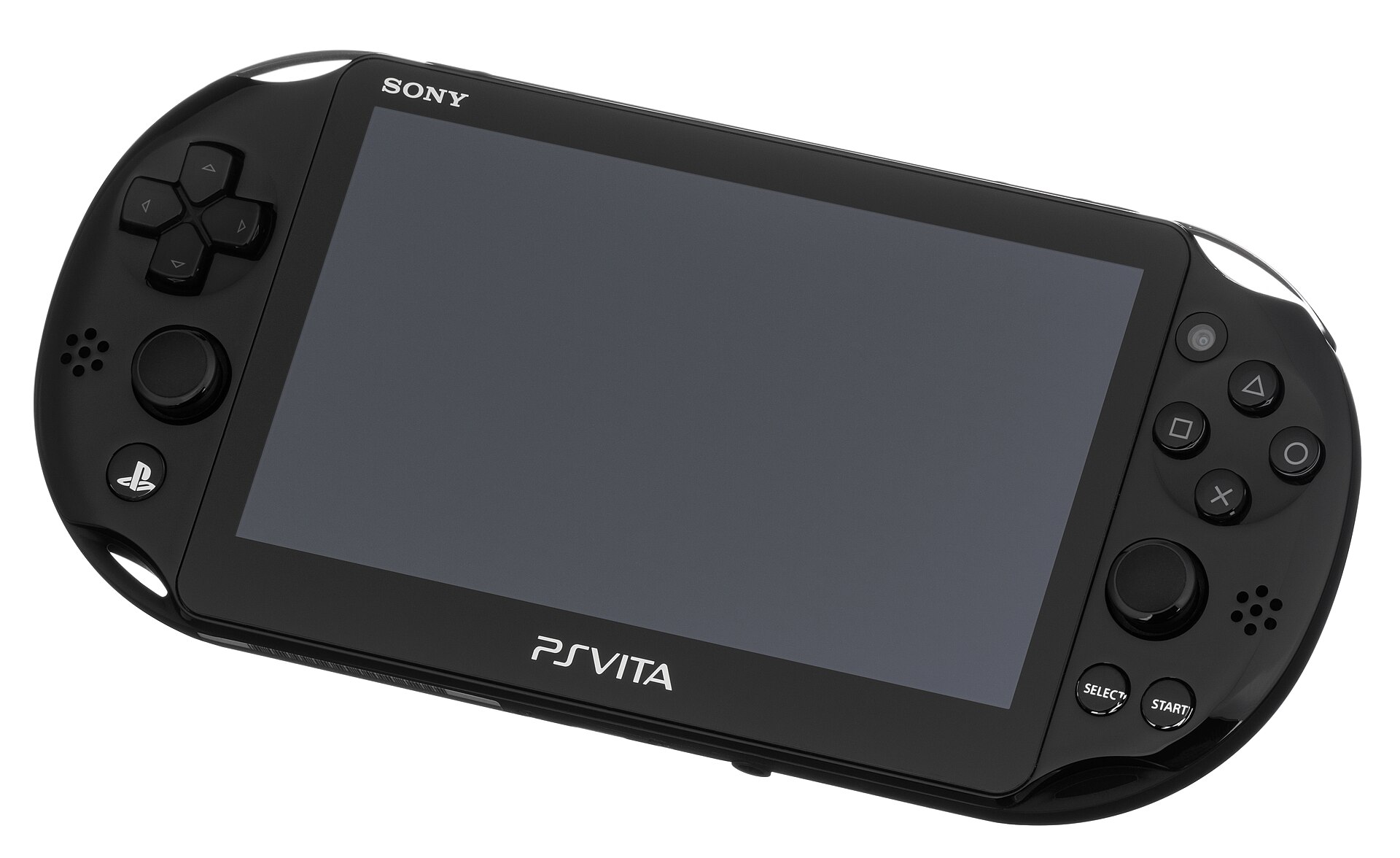
PlayStation Store purchases on PS3 and PS Vita are scheduled to end in July 2027. Sony says owned content should remain playable and downloadable for the foreseeable future, subject to existing online-service availability. That is breathing room, not a lifetime promise.
This guide uses the Nintendo and Xbox precedents plus Steam's subscriber agreement to build a practical audit. Current claims were checked on 5 November 2026; no conclusion relies on a leak or rumour.
Four different endings hide behind ‘gone’
A game can leave sale while previous buyers retain downloads. A whole shop can close while redownloads continue. Servers can disappear while local files remain. Or an account problem can block only your licence. Name the event before reacting.
Sony's present notice concerns new PS3 and Vita purchases from July 2027. Nintendo ended Wii U and 3DS purchases in March 2023 and online play in April 2024, while describing redownloads and updates as available for the foreseeable future.
Xbox and Nintendo show why purchase and server are separate
The Xbox 360 Store stopped new purchases on 29 July 2024. Xbox said previously bought content would remain playable and redownloadable; multiplayer still depends on a publisher keeping its servers online.
Physical media is not a universal escape. A disc may install a base build yet still need patches, DLC or servers. Audit each game as a licence, file, patch, save and service.
You receive a licence, not a tiny shop in a folder
Steam's agreement says subscriptions are licensed, not sold, for personal non-exclusive use. Terms and local rights vary, but the model explains why copying a game folder may not preserve access.
Stay within platform tools. Keep receipts, secure the account, install content and patches, and use supported storage or backup options. Do not bypass DRM.
Build a five-layer survival card
For each priority game, record purchase account, region, hardware, installed build and server dependency. Test the chain: transaction history, download, licence recognition, save and local mode.
Install important games, DLC and patches while official delivery exists. Do not erase the last working install until you verify redownload. Supported external storage can buy space, but cannot turn a revocable service licence into independent ownership.
Make evidence part of the collection
Export or capture transaction references and receipts outside a single inbox. Record account email, recovery method, two-factor status, region and activated hardware—without placing the password in an exposed sheet.
Keep a lean catalogue: title, platform, add-ons, last test and server note. Revisit it when a closure is announced or hardware changes. Your library becomes maintainable evidence instead of a wall of cover art.
PLAYLORE SURVIVAL MATRIX
Event matrix: what stops, what survives
Match the official notice instead of treating every ‘closure’ alike.| Event | Stops | May remain | Act now |
|---|---|---|---|
| Delisting | New sale | Buyer download | Check history and patch |
| Store closure | Platform purchases | Downloads/local play | Catalogue and install |
| Server shutdown | Online play/check | Local mode | Read publisher notice |
| Account loss | Licence access | Some installed files | Repair recovery |
30-MINUTE AUDIT
A 30-minute pre-closure audit
Start with ten games you care about rather than downloading blindly.- List ten games with platform, account and region.
- Match each game to a transaction or receipt.
- Install available game, DLC and patches officially.
- Launch it and test licence, save and local mode.
- Record server, subscription and publisher-account dependencies.
- Update recovery email, 2FA and safely stored recovery codes.
- Keep the catalogue and receipts in two trusted places.
- Schedule another review before July 2027.
Related reading
Tools that support the plan, not the licence
General Amazon.sa searches without retailer images, prices or availability claims. Confirm capacity and filesystem support first.
Compatible external SSD
Useful for keeping supported games installed. Platform support still governs licences and servers.
Compare on Amazon.saDisc and cartridge case
Organises media you already own; it cannot preserve a patch or online service.
Compare on Amazon.saAs an Amazon Associate I earn from qualifying purchases.
Primary sources
Sources and verification log
Checked 5 November 2026. Confirmed platform statements, editorial analysis and limits are labelled separately. No rumour is used.PLAYLORE VERDICT
Preserve options before you need them
A store closure rarely deletes everything at midnight, but it narrows your options. Confirm account, download, patch and save while delivery and support still work.
Begin with ten games and map five layers. You will know what you have, what it depends on, and where your time matters before July 2027.